
Mac OS
How to find and use the accessibility features on Mac OS
Accessibility Settings
1. Opening System Preferences
On MacOS, “Settings” is called “System Settings”.
To open System Settings, click the…
Read full story: Mac OS

How to find and use the accessibility features on Mac OS
Accessibility Settings
1. Opening System Preferences
On MacOS, “Settings” is called “System Settings”.
To open System Settings, click the…
Read full story: Mac OS
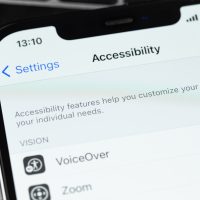
How to find and use the accessibility features on iOS iPhone
Vision-Related
1. VoiceOver
VoiceOver is a gesture-based screen reader that provides audible descriptions of what is on…
Read full story: iOS iPhone

How to find and use the accessibility features on iOS iPad
Vision-Related
1. VoiceOver
VoiceOver is a gesture-based screen reader that provides audible descriptions of what is on…
Read full story: iOS iPad